Free · for owners, car yards and dealers
A car listing buyers trust. Professional from the first post.
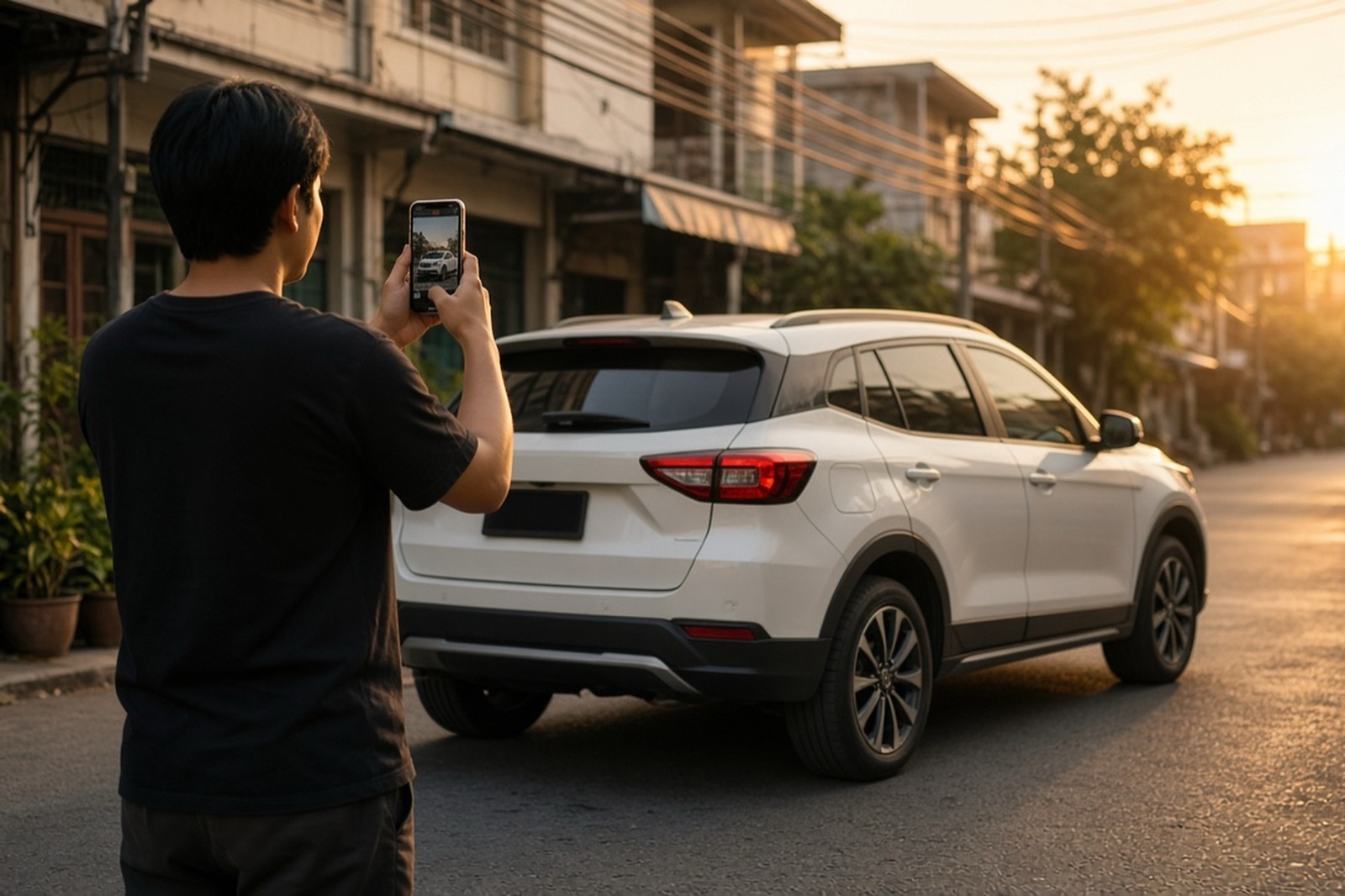
Your own car or one from your yard: guided photos with plate blur, and the details buyers always ask (tax, พ.ร.บ., finance, history) on one clean listing page. Share the link, plus images sized for Facebook, LINE and Stories.
- No sign-up to start
- Your draft stays on your device
- Made for your phone



Looking for a car?
Who it's for
For anyone selling a car.
Selling your own car
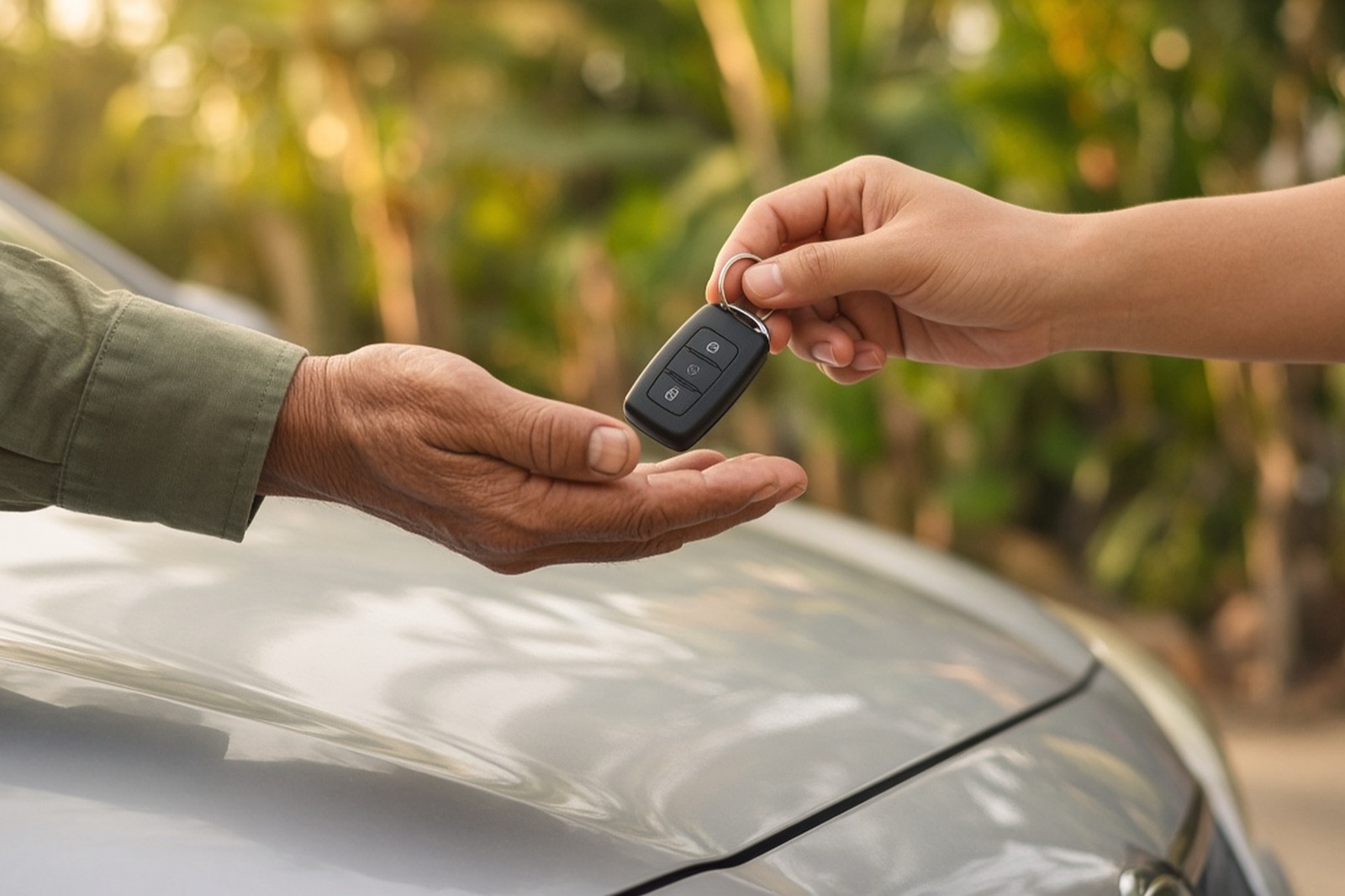
One clear listing you can share to your groups and chats, with your plate blurred and your number masked.
- No sign-up to start
- Your draft stays on your phone
- Answers the questions buyers ask

Car yards and dealers
Give each car on your yard the same clean, honest listing, one car at a time, with your business name shown as the seller.
- Your business name on the listing
- Images sized for your page and groups
- Clear declarations, never overstated
Answer before they ask
The questions every buyer sends you, answered on the listing.
No more typing the same replies to every chat. Each answer says where it comes from: “Seller declared”, “Photo added” or “Not stated”, so buyers know exactly what you've told them.
It's your own statement, not an inspection, and the listing says so.
- Is the road tax still valid?
- Is it still on finance?
- Ever been in an accident?
- Has it ever been flooded?
- Serviced at the dealer?
- First owner?
On your listing
Example- Road tax valid until
- Mar 2027Seller declared
- Finance
- Paid off, book in handSeller declared
- Accident history
- No accidentsSeller declaredPhoto added
- Ever flooded?
- Never floodedSeller declared
- Service history
- Full dealer serviceSeller declared
- Ownership
- First owner (มือเดียว)Seller declared
- พ.ร.บ. (compulsory insurance) valid until
- Not stated
How it works
From parked to posted, in three steps.
Photos, the way buyers want them
Follow the shot list: front ¾, rear ¾, side, seats, the mileage on the dash, engine, wheels, boot, and any scratches. Up to 20 photos. Blur the plate with a drag.
Say what buyers ask first
Year in พ.ศ. or ค.ศ. (we convert it), mileage, road tax and พ.ร.บ. dates, finance, accident and flood history, service and ownership. Answer what you know; anything you skip shows as not stated.
Share it everywhere
Download images sized for each feed and copy the post text, no account needed. Sign in to publish a listing page with its own link, which only you can edit or mark as sold.
One listing, every feed
Images that fit where you actually sell.
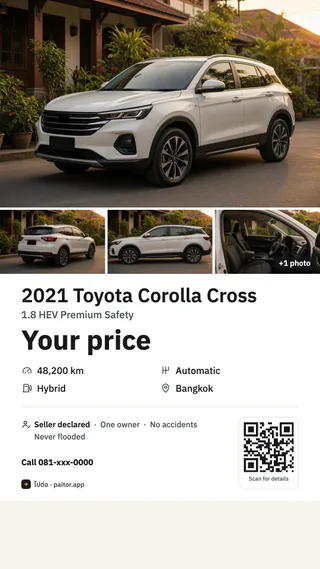
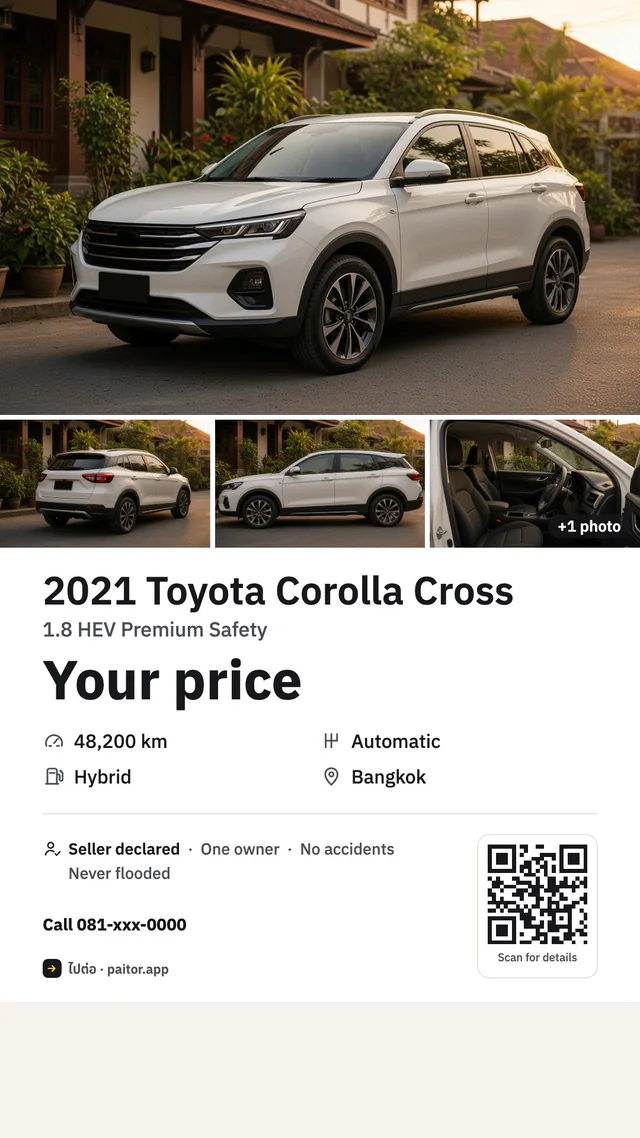
Every image leads with your photo, then one clean block: the car, your price as the strongest line, the key facts and what you declared about it. Your listing's link gets its own preview card too, so it looks finished wherever it's pasted.



On every image
- Your main photo first, edge to edge. The feed and Story images add more angles.
- Your price as the strongest line, with “Negotiable” if you choose.
- Key facts at a glance: mileage, gearbox, fuel and province.
- What you declared, under “Seller declared”: one owner, no accidents, never flooded.
- A QR code on the square post and the Story. It opens your listing once it's published; before that, your LINE chat if you've added a LINE ID.
Private by design
Show the car. Keep yourself out of it.
Blur your plate
Drag a box over the licence plate and it's pixelated for good in that photo. Or confirm a photo shows no plate.
Your number, masked
Show it as 081-xxx-5678 with the full number one tap away, show it in full, or hide it and take chats on LINE only.
Location data removed
Photos are re-saved before upload, so the GPS position your phone stores in a photo never goes out with it.
Honest, and it shows
“Seller declared” is the seller's own statement, not an inspection. Always see the car first.
ไปต่อ · PaiTor doesn't inspect cars, and the listing never pretends it did. Every listing tells buyers to see the car, check the registration book (เล่มทะเบียน) and transfer at the Department of Land Transport.
Safety tips on every listing
- Never transfer a deposit before you've seen the car and the book.
- Meet in a public place in daylight.
- Check the chassis and engine numbers against the book.
- If it's on finance, settle with the finance company first.
Questions
Before you start
Is it really free?
Yes. Making the listing, the listing page and the share images is free.
Do I need an account?
Not to make the listing and download the images: your draft stays on this device. To publish a public link you sign in, so only you can edit it or mark it as sold.
How do I sign in?
With LINE, Google, Microsoft, or an email and password. You only need it when you publish.
Can car yards and dealers use it?
Yes. Every listing is made the same way, one car at a time, and shows the name you choose as the seller, such as your business name.
Will my licence plate show?
Only if you leave it in your photos. Use Blur plate on each photo, and the location data in your photos is removed when they're prepared.
Does ไปต่อ · PaiTor check the car?
No. Everything on the listing is declared by the seller and labelled that way. Buyers should see the car, check the registration book and transfer at the Department of Land Transport.
Can I sell a car that's still on finance?
The finance company owns the car until it's paid off. Say so on the listing and settle with them before you transfer; selling without their approval can be a criminal offence.
Where do I post it?
Wherever your buyers are: post the 4:5 image in Facebook groups, put the Story on your Story, and send the link in LINE chats. The square post and the Story carry a QR code buyers can scan.
The car goes on. So do you.
Make a listing you're proud to share. Free, and you can start right now on your phone.
No sign-up to start